.jpeg)
.jpeg)
.jpeg)
.jpeg)
.jpeg)
.jpeg)
.jpeg)
.jpeg)
.jpeg)
.jpeg)
.jpeg)
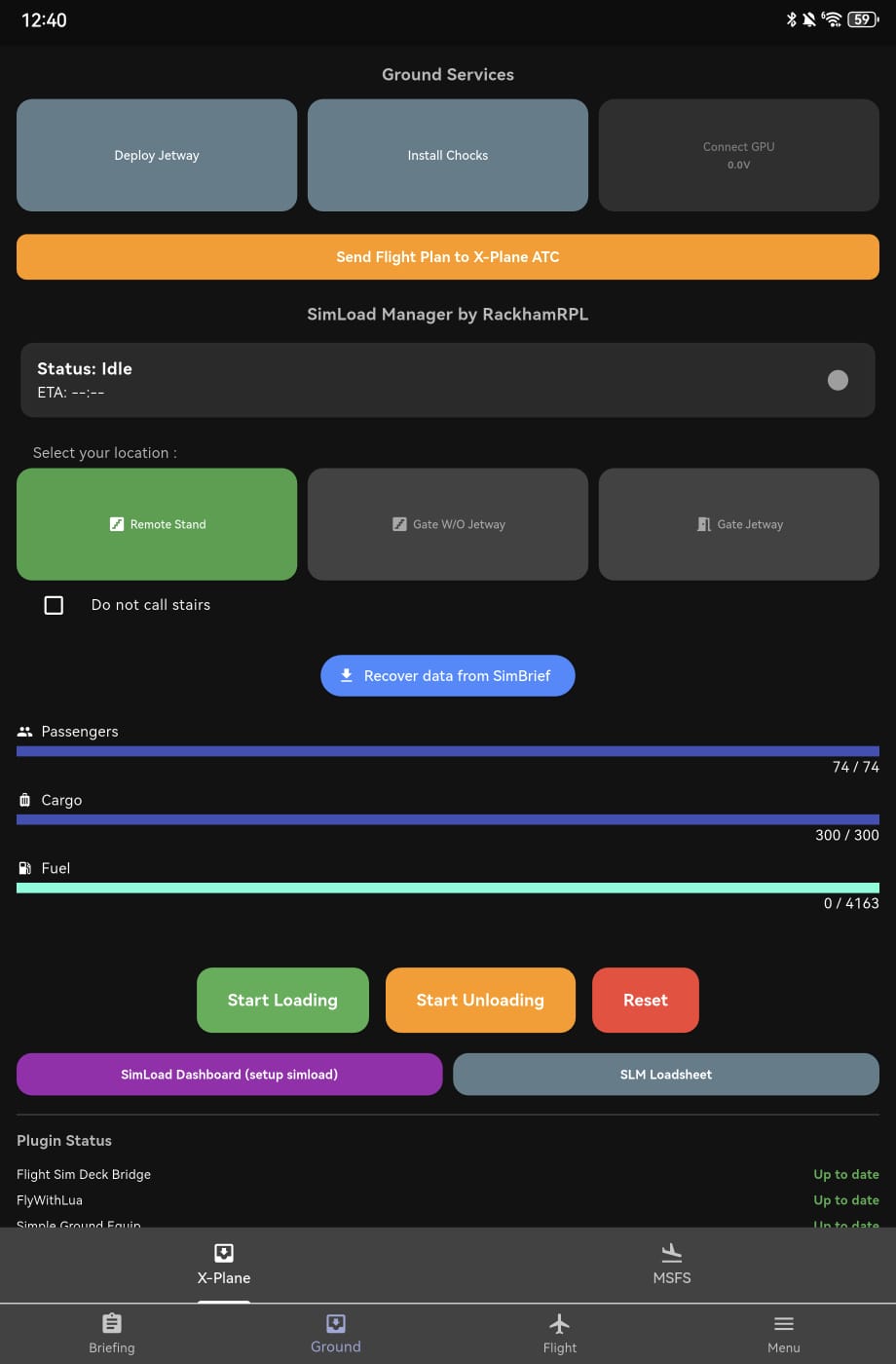
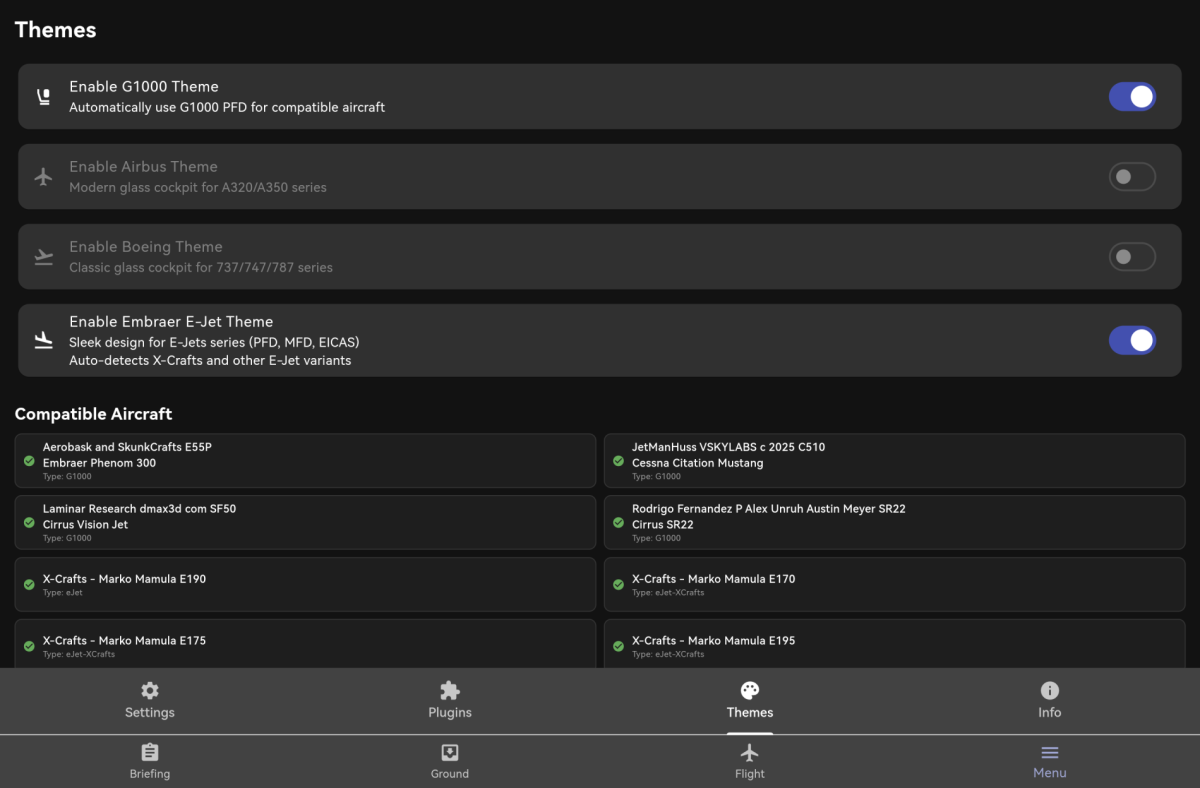
 Flight Sim Deck
Real-time Instruments
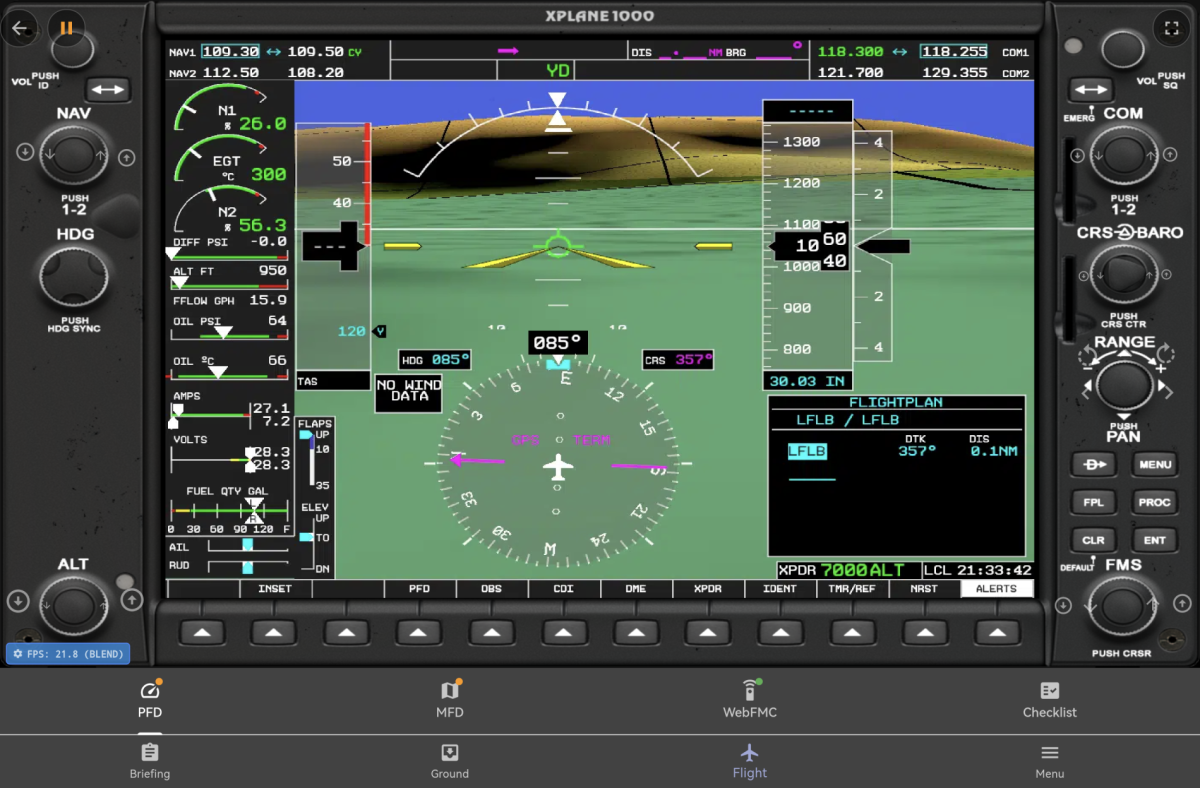
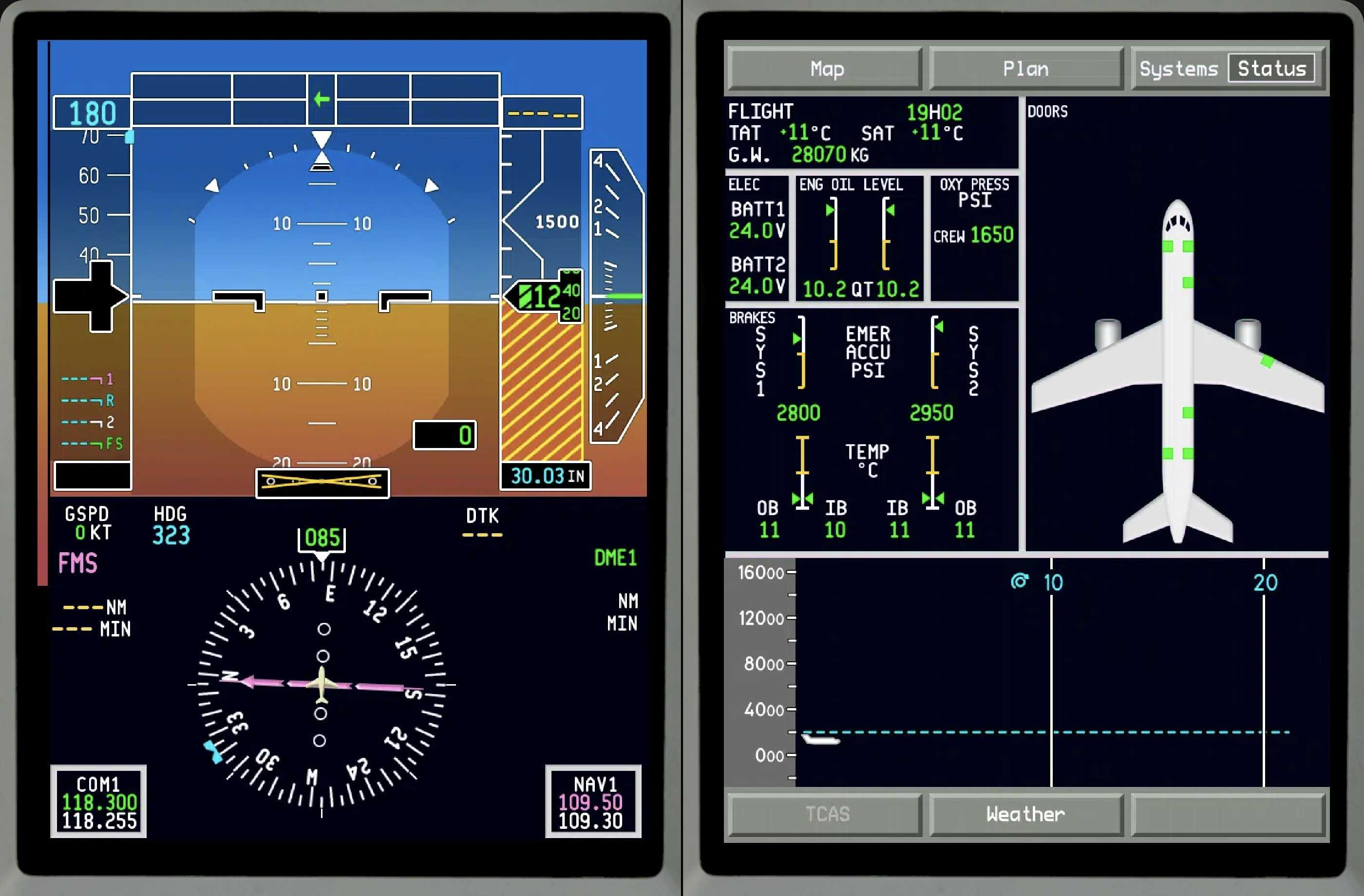
View flight instruments, altitude, speed, and heading in real-time on your mobile device.
Autopilot Control
Manage your autopilot modes, altitude, and speed targets with ease.
Universal Compatibility
Works seamlessly with X-Plane 11/12 and Microsoft Flight Simulator 2020/2024.
Download Server
To connect your device, you need to run the server application on your flight simulator PC.
Download FSD Server (Windows)
Download FSD Server (macOS)
Download FSD Server (Linux)
Please completely remove your old server version before updating to version 2026-03-13.
Loading version...
Requires Windows 10/11, macOS 12+ or Linux
Get the App
Control your flight simulator from anywhere in your cockpit.

How to Connect
- Download and extract FlightSimDeck_Server_Windows.zip, then run the server on your PC.
- Ensure your PC and mobile device are on the same Wi-Fi network.
- Launch the Flight Sim Deck app on your mobile device.
- The app should automatically discover the server.